
Creator Tips
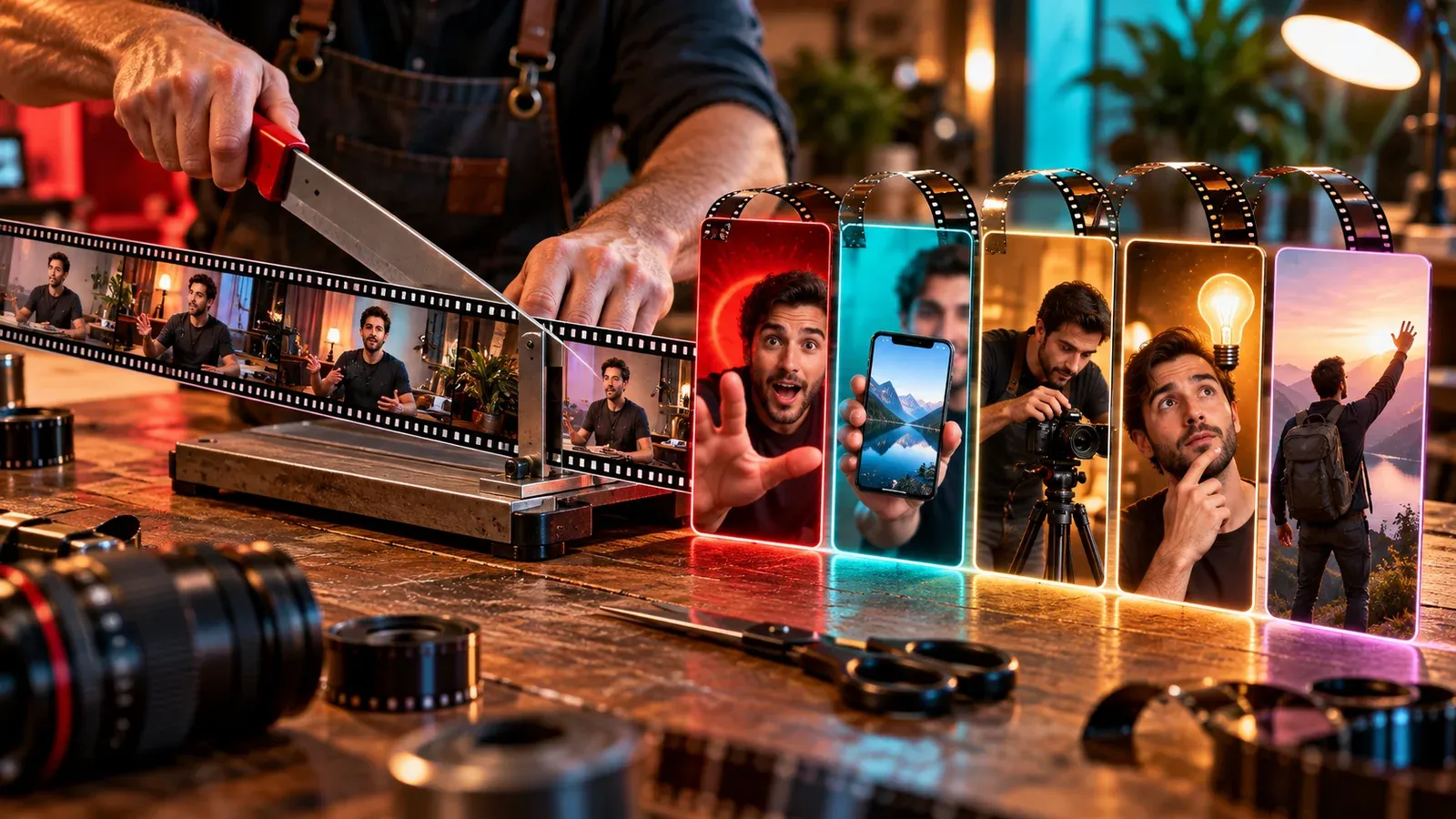
One Long Video, Five Useful Shorts: An Illustrative Repurposing Study
An illustrative case study showing how to find complete short-form ideas inside one long recording without publishing chopped-up leftovers.
A rights-respecting media workflow plus practical creator education for better videos and sustainable growth.
Paste a public Instagram or TikTok link you are authorized to save.
An illustrative case study showing how to find complete short-form ideas inside one long recording without publishing chopped-up leftovers.
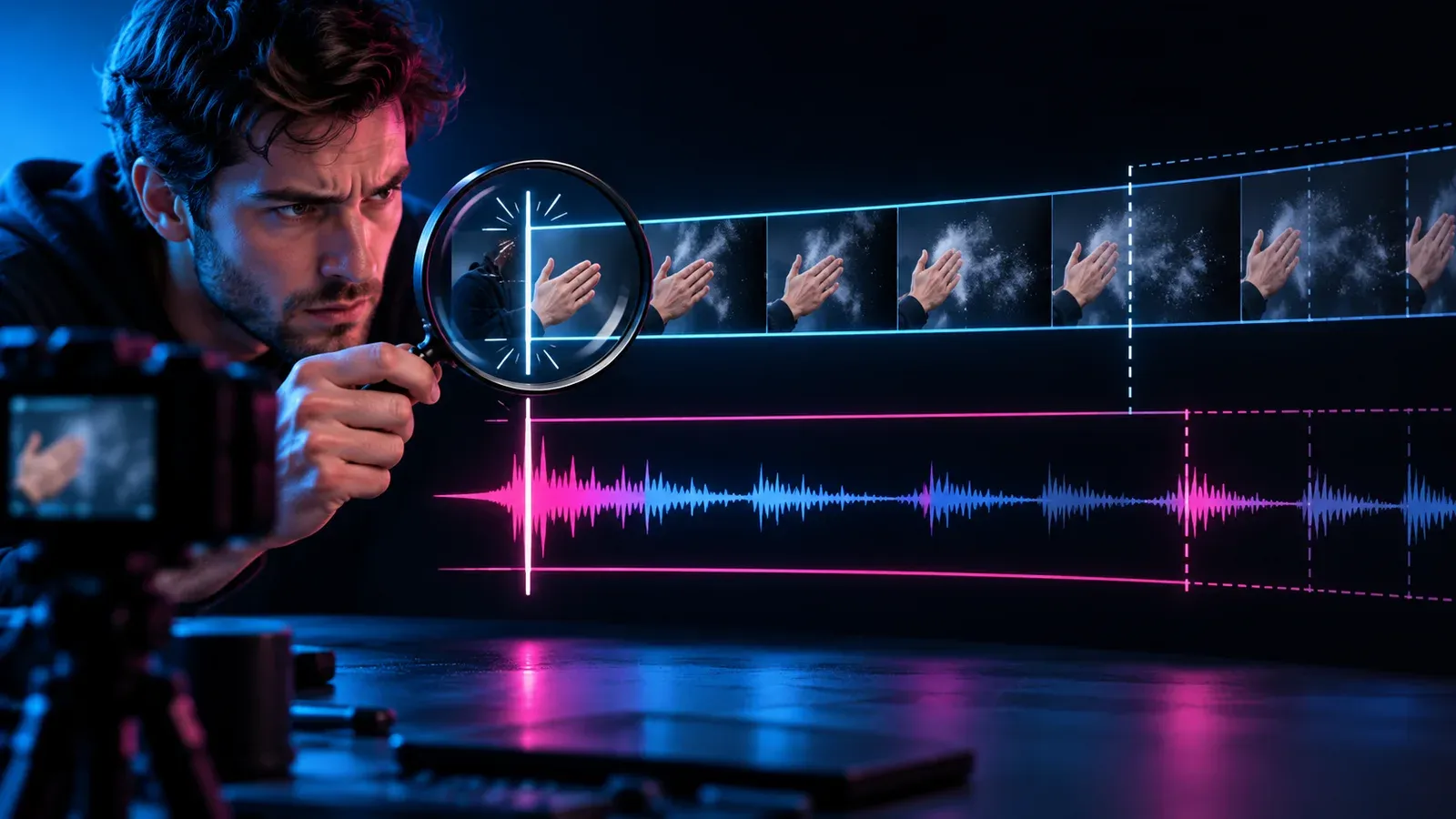
A symptom-first workflow for separating a fixed audio offset from progressive drift and repairing variable-frame-rate phone or screen recordings.

A monetization workflow that starts with reader utility, documents product evidence and applies clear disclosures and link attributes in context.
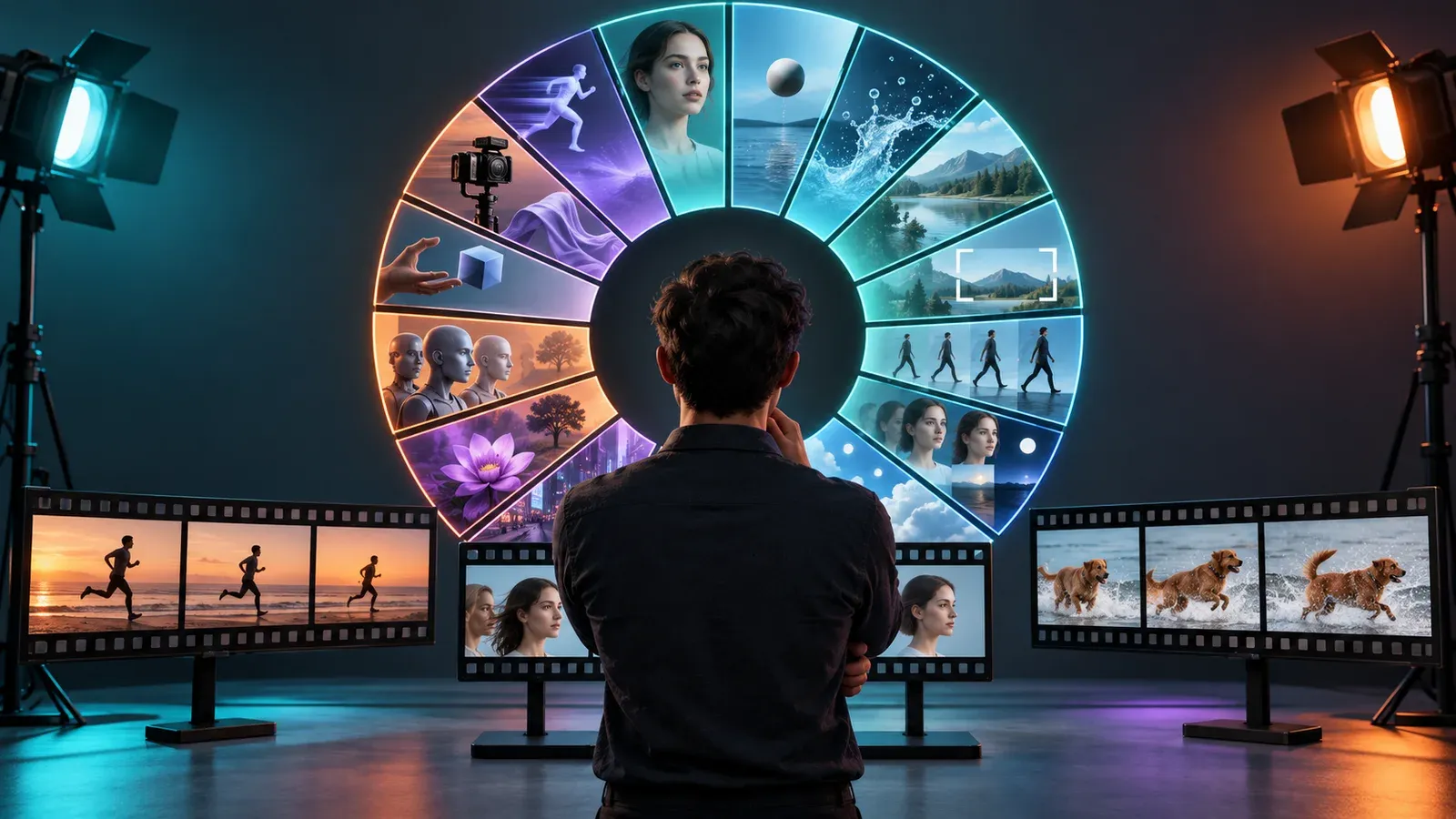
A reproducible AI video model evaluation that adapts VBench’s dimensions to the shots, constraints and review costs of a creator workflow.
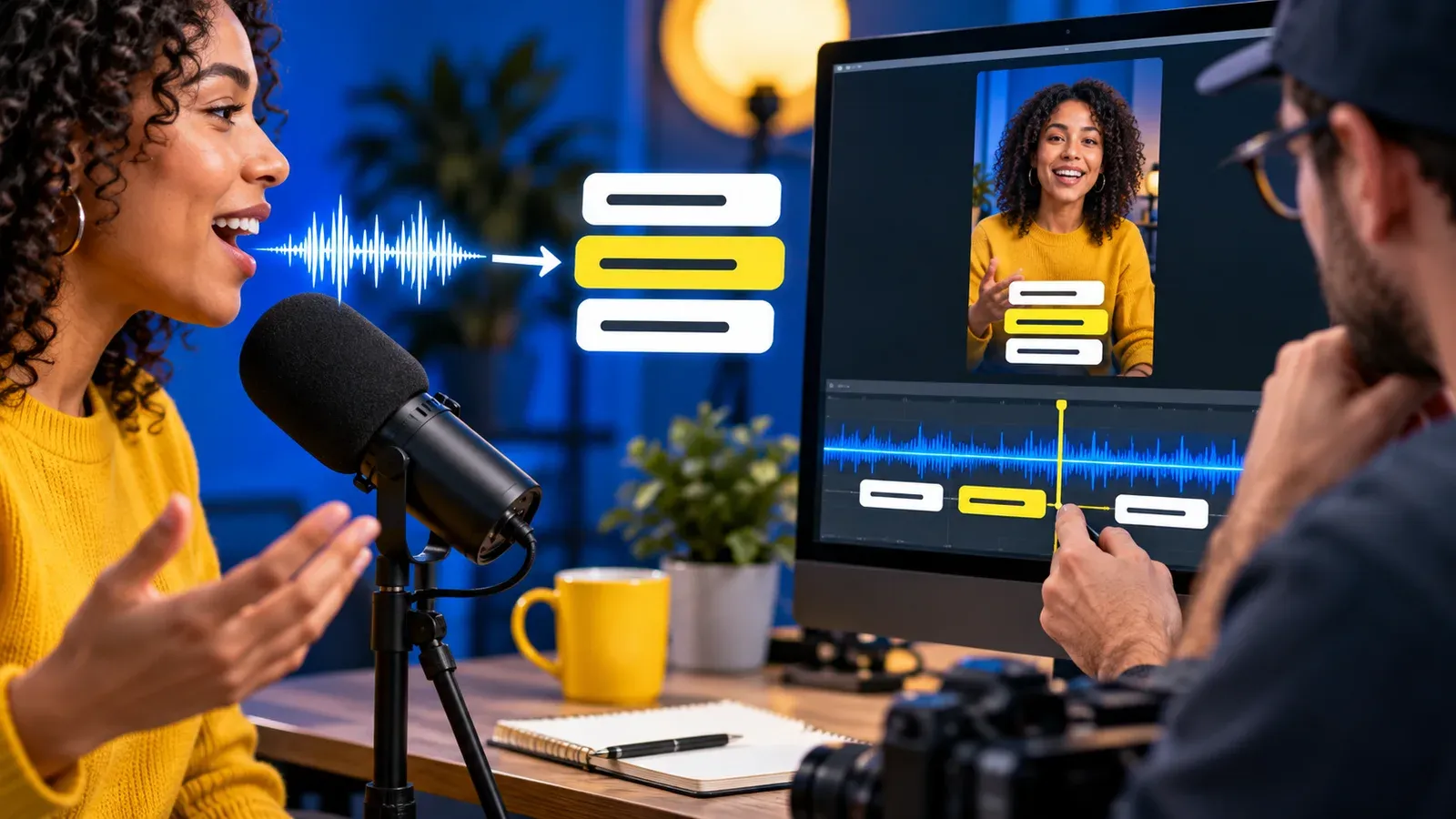
A practical caption review system for creators who need accurate names, readable timing and useful context—not just an automatic transcript.
AnyVid.io combines practical creator education with a simple media workflow. Explore focused guides for creating, publishing, growing, and earning from useful video content.
Build stronger hooks, cleaner pacing, better audio, clearer framing, and repeatable production habits for videos people can understand quickly.
Explore this topic →Turn audience questions into useful ideas, recurring formats, better series planning, and publishing decisions you can actually measure.
Explore this topic →Learn where AI can speed up ideation, scripting, visuals, editing, repurposing, and workflow tasks without replacing judgment or originality.
Explore this topic →Explore monetization models, sponsorship readiness, content assets, audience trust, and practical ways to turn useful video work into revenue.
Explore this topic →Use this as a lightweight production system. Adapt the steps to your style, platform, audience, and available time instead of chasing a universal formula.
Choose a specific question, pain point, curiosity, or outcome. A narrow promise is easier to film, title, and deliver clearly.
Decide what viewers should understand in the first seconds and make the visual, spoken hook, and on-screen text support the same promise.
Good lighting, understandable audio, stable framing, and intentional background choices usually matter more than expensive gear.
Cut repetition, protect the useful moments, add context where needed, and make captions and visual changes help understanding rather than create noise.
Use a title, caption, thumbnail, keywords, and platform-native details that describe the actual value instead of promising something the video does not deliver.
Compare retention, comments, saves, shares, search discovery, and audience questions. Reuse the lesson—not the same post—to improve the next piece.
Work with public Instagram and TikTok media you created, own, or have permission to save.
Production, editing, growth, video SEO and sustainable creator-business guidance.
No social login is required for the public tool, and legal/privacy links remain easy to find.
A useful creator homepage should do more than point at a tool. This guide gives you a durable framework for making clearer videos, publishing with purpose, and learning from real audience response.
Strong creator work starts by understanding why somebody would stop, watch, save, search, share, or return. Platform algorithms change, but useful intent stays understandable: solve a problem, show a process, explain a decision, entertain a specific audience, or help someone reach an outcome. Before creating, write one sentence describing who the video is for and what they should gain by the end. That sentence becomes a practical filter for the hook, examples, pacing, caption, title, and call to action.
Consistency becomes easier when you separate the work into stages: research, idea selection, outline, capture, edit, package, publish, and review. Templates can remove repetitive setup without making every post look identical. Keep a small idea bank, a checklist for filming, reusable export presets, and a simple review routine. The goal is not to manufacture more content at any cost; it is to reduce avoidable friction so more attention goes to the substance.
Viewers experience quality through clarity. A modest phone setup can feel professional when the subject is easy to see, speech is easy to understand, the frame is intentional, and edits do not fight the message. Fix the largest weakness first: move closer to a window, reduce room echo, simplify the background, lock exposure, record a cleaner voice track, or remove unnecessary cuts. Small improvements compound because they make every future video easier to watch.
A vertical video is not finished when the export completes. Each platform adds context through captions, cover frames, comments, search behavior, audio, series patterns, and audience expectations. Publish with those surfaces in mind. Make the cover understandable without audio, keep important text inside safe areas, write captions that add context instead of repeating the spoken script, and use comments as research for the next useful post.
Video SEO is strongest when search language matches real audience language. Use clear topic terms in titles, captions, spoken explanations, headings on companion articles, and internal links only where they naturally describe the content. Avoid stuffing repeated phrases. A useful page or video should still read naturally if every keyword tool disappeared. Build topical depth over time by answering related questions and connecting the best resources so visitors can keep learning.
Publishing creates evidence. Review what happened without letting a single metric control the next idea. Retention can reveal weak pacing, saves can signal reference value, comments can expose confusion, shares can show social usefulness, and search impressions can reveal language people actually use. Keep brief notes on what changed between posts. Over several uploads, those notes become a more reliable strategy than copying whatever happened to go viral for someone else.
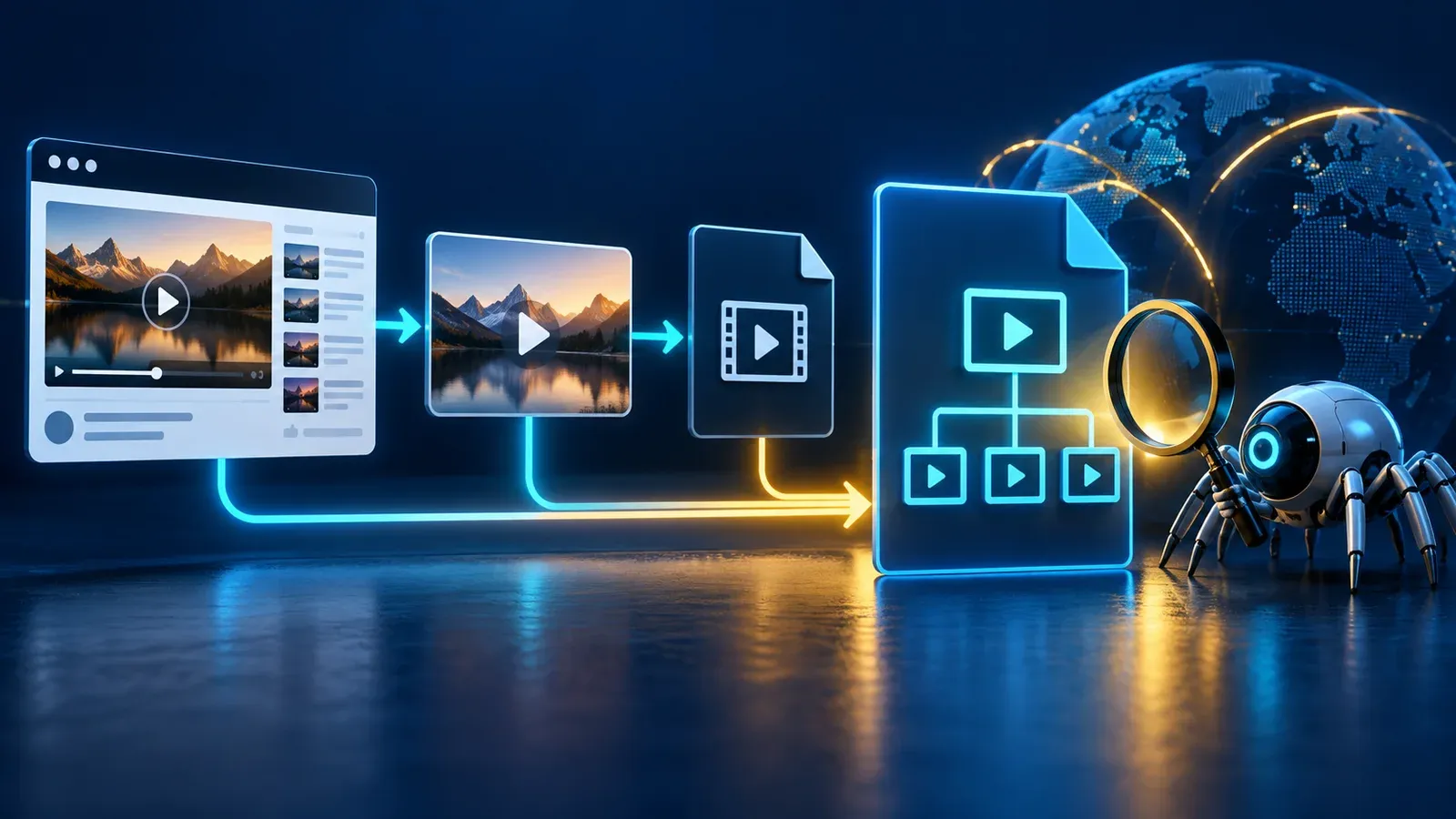
A field-by-field video sitemap workflow for creator sites, including watch-page checks, validation and an indexing troubleshooting matrix.

A calm troubleshooting workflow for creators whose public Instagram content may not be eligible for recommendations to non-followers.
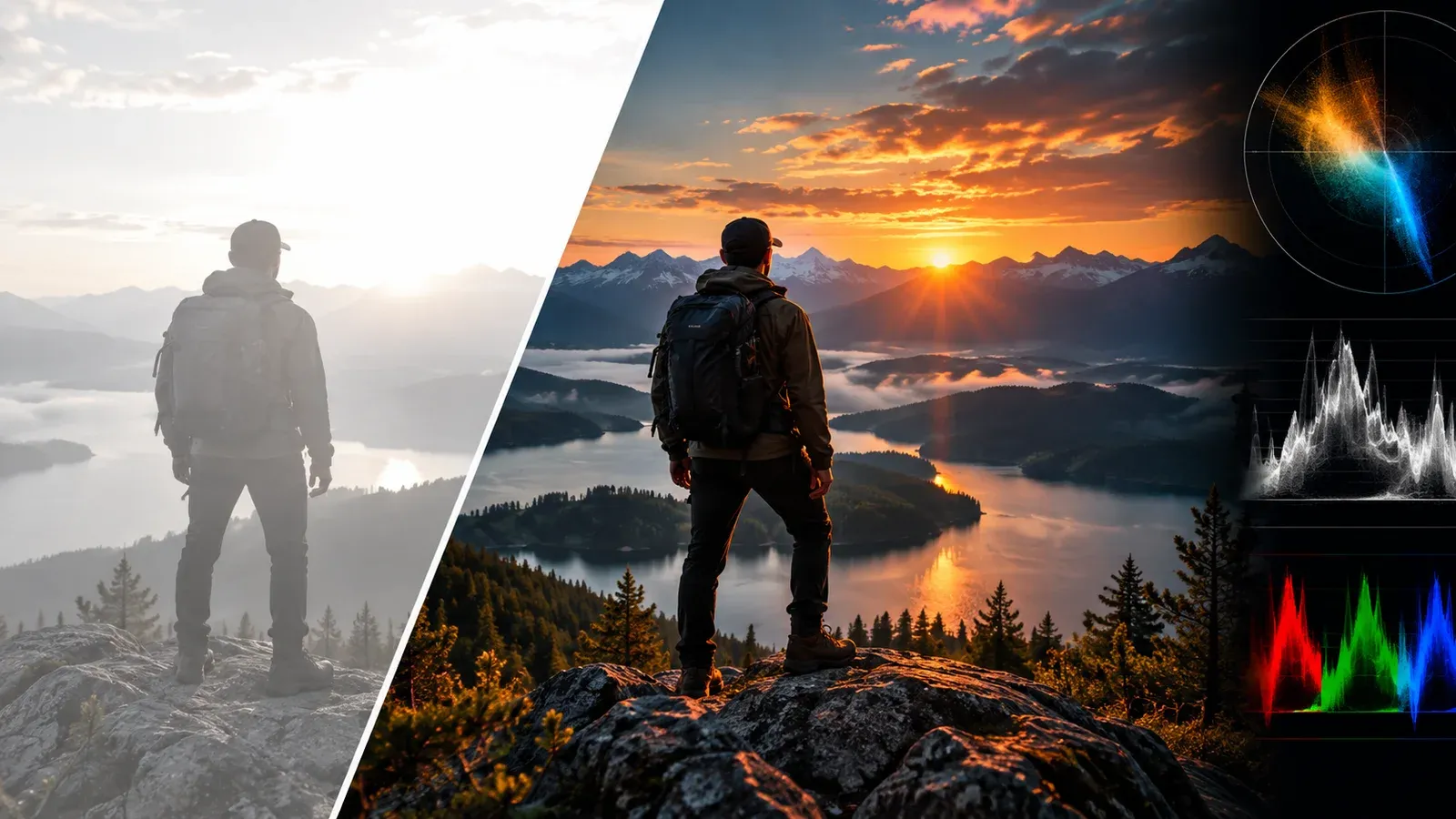
A pipeline-first troubleshooting guide for creators whose vivid HDR footage becomes gray, clipped or oddly saturated after editing or upload.

A careful reading of a striking engagement comparison, followed by a practical tutorial structure and an honest within-channel experiment.

A sober revenue strategy that connects short-form discovery to direct audience relationships and offers without turning every post into a sales pitch.
These topics come directly from the categories managed in AnyVid.io Admin, so the homepage stays connected to the content library as it grows.
Clear answers about the tool, creator journal, privacy, and responsible use.
AnyVid.io is a creator-focused media tool and education platform. Use the downloader for public Instagram or TikTok media you created, own, or have permission or another lawful right to save.
No. The public downloader does not ask for your Instagram or TikTok login credentials.
No. AnyVid.io is intended for publicly accessible media and does not provide a way to bypass private-account controls, DRM, paywalls, or other access restrictions.
The blog covers practical video production, editing, short-form strategy, discoverability, creator monetization, Instagram and TikTok workflows, and other useful creator topics.
About, Contact, Privacy, Terms, and Copyright & Authorized Use pages are linked clearly from the site footer and other relevant navigation areas.
AnyVid.io is built around practical creator education and a browser-based workflow for media you own or are authorized to use. Respect copyright, platform rules, privacy, and the rights of other creators.
Learn who we are, how the tool should be used, how privacy works, and how to contact us.
Read practical guides, case studies, production fixes, platform tips, video SEO lessons, AI workflow ideas, and creator monetization resources.