
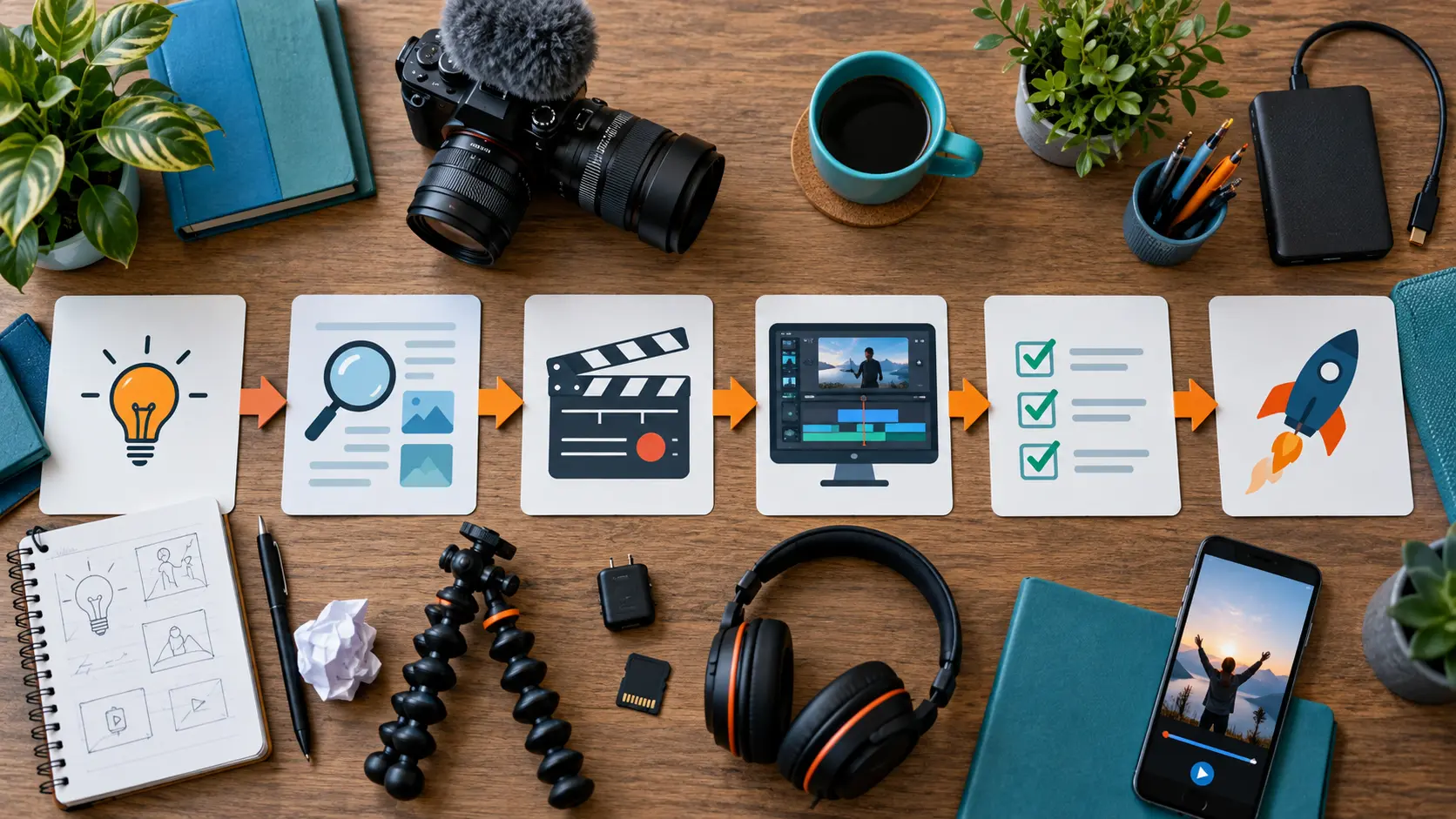
A reliable creator workflow is less exciting than a lucky viral post, but it is far more useful. This resource helps Instagram Reels and TikTok creators turn scattered ideas into a repeatable production system: research questions people genuinely ask, choose a clear promise, film efficiently, edit for comprehension, publish responsibly and learn from the result. It is designed for solo creators and small teams who need quality without turning every video into a full-day production.
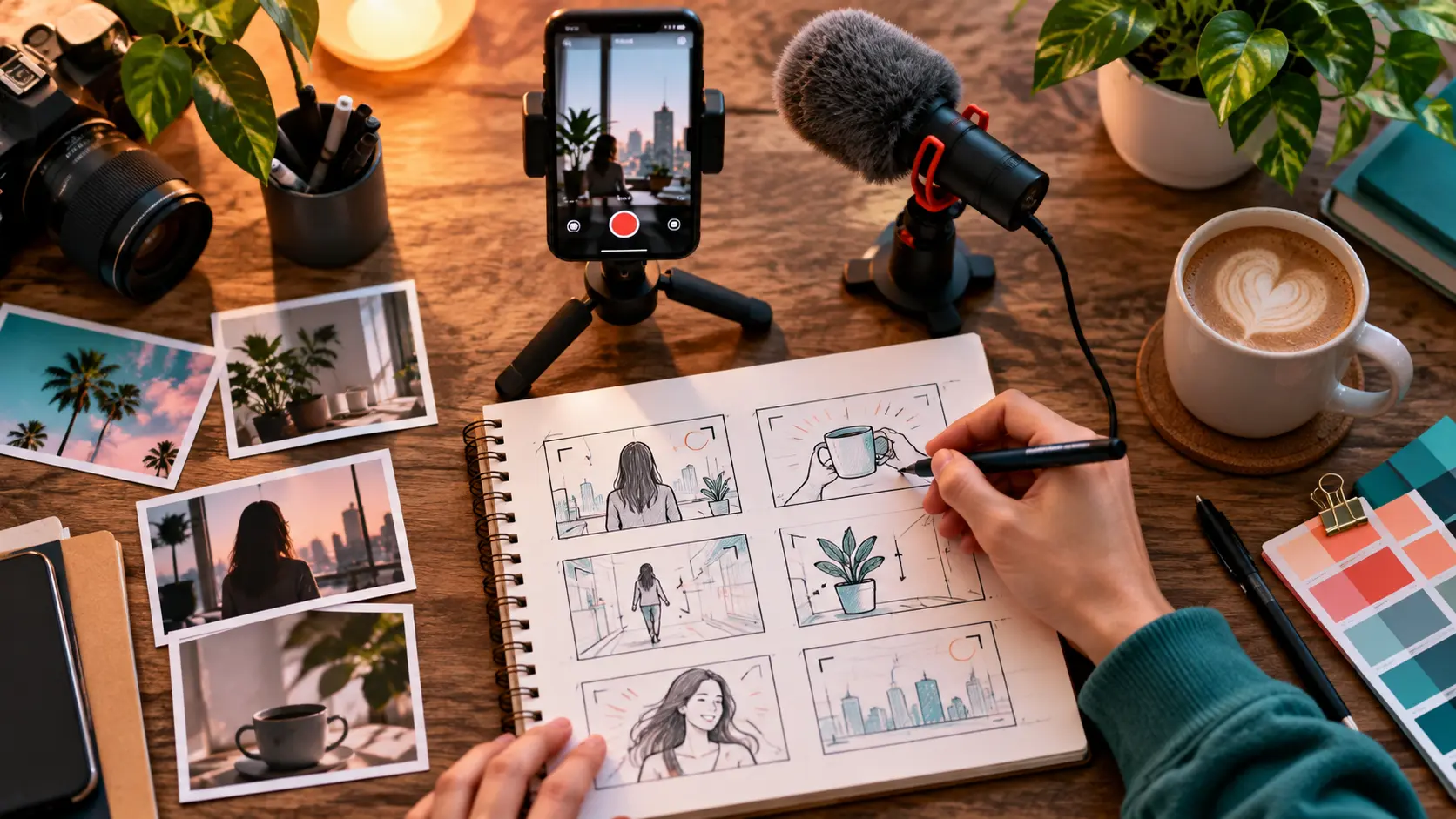
Build a system, not a posting streak
Posting frequently can create more opportunities to learn, but frequency is not a strategy by itself. A creator who publishes five rushed clips may learn less than someone who publishes two carefully framed experiments. The useful unit is not “a post.” It is a cycle: identify a real audience need, make a clear video, publish it, observe what happened and carry one lesson into the next attempt.
A good system reduces decisions at the moments when your energy is lowest. It gives ideas a place to live, defines what “ready to film” means and keeps original files organized. It also protects creativity. When file naming, lighting setup and review notes are predictable, more attention remains for the story, demonstration or performance.
Start with four simple queues: questions to investigate, ideas ready to outline, videos ready to film and published videos awaiting review. A spreadsheet, cards on a wall or a notes application can all work. The tool matters less than the rule that every idea must advance through the same stages. If an idea cannot name its audience, promise and proof, it is not ready to film.
Separate output goals from learning goals. “Publish three useful videos this week” is an output goal. “Test whether a visible before-and-after makes the promise easier to understand” is a learning goal. Pairing the two prevents a quiet failure mode in which the calendar stays full but the work never becomes clearer. For a deeper method of interpreting viewer behavior, the short-form retention diagnosis guide explains how to investigate drop-off without chasing a universal benchmark.
Choose one audience problem
Broad topics produce vague videos. “Photography tips” is a category; “how to prevent window light from turning a face blue” is a useful problem. “Creator monetization” is a field; “how to price a three-month paid usage extension” is a decision someone can act on. The narrower version gives you a visible outcome and gives the viewer a reason to stay.
Write the audience problem as a sentence: “A person who already does X is struggling with Y because Z.” This forces you to decide how much the viewer knows. A beginner may need terminology and a safe first step. An experienced viewer may value a comparison, a diagnostic test or an explanation of trade-offs. Trying to serve both in thirty seconds usually creates a video that feels either obvious or confusing.
Prioritize problems using three filters. First, can you demonstrate the answer honestly? Second, can the viewer recognize progress after watching? Third, does the subject fit the trust you have earned? A creator can document an experiment without presenting themselves as a universal authority. “Here is how I tested three microphone positions in my room” is stronger than an unsupported declaration that one position is always best.
| Idea type | Weak framing | Useful framing | Evidence to show |
|---|---|---|---|
| Tutorial | Make better Reels | Keep captions clear over a moving background | Before-and-after frames |
| Comparison | Best camera settings | 24 fps or 30 fps for a talking tutorial | Matched test clips |
| Case study | How I grew | What changed after four weeks of one format | Dates, sample size and caveats |
| Decision guide | Monetize your content | Choose between a service and a digital product | Workload and margin assumptions |
Research without copying
Research begins with language, not trends. Read the questions underneath your own posts, support emails, community discussions and search suggestions. Record the exact confusion behind each question, but do not copy another creator’s script, footage or distinctive framing. Multiple people can answer the same public question; the value comes from your demonstration, experience, examples and judgment.
On TikTok, Creator Search Insights can help eligible users explore searched topics and content gaps. Treat it as a prompt for investigation rather than a list of guaranteed winners. The official TikTok Creator Search Insights guidance describes the feature and its filters. A useful follow-up process appears in AnyVid.io’s guide to turning Creator Search Insights into a video series.
Comments are valuable but noisy. A repeated question may signal demand, or it may reflect a misunderstanding caused by one unclear video. Group comments by underlying job: choose, fix, compare, plan or understand. Then verify factual claims using primary documentation when possible. A platform help page can confirm a product feature; it cannot prove that a creative tactic will work for every audience.
Maintain a small research note for each idea. Include the viewer’s wording, the fact that needs verification, your proposed demonstration and links to sources. Mark observations separately from interpretations. “Seven of twenty comments asked about lighting” is an observation. “My audience wants a lighting course” is an interpretation that needs more evidence. This distinction makes your scripts more credible and your later case studies easier to audit.
Write the video promise
The promise tells the viewer what useful change the video will deliver. It does not need exaggerated language. “Three ways to light a face” is less precise than “Move one lamp to remove glasses glare.” The second promise names an action and an outcome. It also gives the creator a test: if the edit does not show the lamp position and the glare changing, the video has not fulfilled its promise.
Write three lines before the script: viewer state before, viewer state after and proof. For example: before, the viewer’s voice sounds distant; after, they know where to place a microphone; proof, matched recordings from three distances. These lines prevent the opening from promising one thing while the middle delivers another.
A hook is the first clear evidence that the promised video has begun. It may be a result, a tension, a specific statement or an unusual but relevant visual. It should not conceal the topic merely to create curiosity. Empty suspense can produce an initial pause, but it often weakens trust when the payoff is unrelated or delayed.
Read the opening without visuals. Then watch it without sound. If neither version communicates enough context, add a concrete visual or a concise on-screen phrase. Keep captions and important subjects away from interface-covered edges. When a piece depends on a branded cover, use the crop-resilient principles in the Reel cover design guide so the subject survives different placements.
Plan a shootable structure
Short-form structure is not simply “hook, value, call to action.” That formula is too abstract to film. A shootable plan names what the camera sees and what the viewer learns at each beat. A practical tutorial might use: result, setup, action, comparison, correction and final check. A story might use: situation, constraint, decision, consequence and reflection.
Turn each beat into a two-column outline. In the left column, write the visual evidence. In the right, write narration or natural sound. If a sentence repeats what the image already makes obvious, cut or revise it. If narration carries a critical point that the image cannot support, add a diagram, close-up or demonstration.
Plan transitions around meaning. Cutting because the music beat arrives can add energy, but it cannot repair a confusing sequence. The viewer needs to understand why shot B follows shot A. Match movement, object position or cause and effect. In a repair video, show the symptom before the adjustment; in a comparison, hold framing and exposure steady so the changed variable is credible.
Keep a “minimum viable version” in the outline. If time or weather fails, which three shots still deliver the promise? This is especially valuable for solo production. The six-shot solo B-roll system offers a reusable coverage pattern without forcing every story into identical pacing.
Batch production without sameness
Batching should reduce setup work, not erase each video’s identity. Group videos that share a location, lighting arrangement or prop list. Do not automatically give them the same opening, camera distance and rhythm. A batch of four tutorials can include a demonstration, a myth correction, a comparison and a viewer-question response while using one physical setup.
Prepare a shot card for each video. List the promise, required proof, primary shot, inserts, audio risks and the one detail that makes the piece distinct. Film the evidence first. Creators often spend their best energy perfecting an introduction and discover later that the product close-up, screen recording or result shot is missing.
Record room tone and a short test before the full performance. Check focus on the eyes or key object, listen through headphones, and inspect the brightest area for clipping. A ten-second test viewed at full size can prevent an hour of unusable footage. If speech sounds distant or boxy, the untreated-room voice guide explains practical placement and reflection controls.
End each filming block with an inventory. Confirm that every planned proof shot exists before moving equipment. Rename or flag important takes while the differences are still fresh. “Take 12” is not useful tomorrow; “clean delivery, no traffic noise” is.
Edit for understanding
Begin with a comprehension cut before adding decorative effects. Place the necessary shots in the clearest order, remove duplicated explanation and verify that the promised result appears. Watch once at normal speed, once muted and once while looking away from the screen to hear only the audio. Each pass reveals a different problem.
Use pace to match information density. A simple reveal can move quickly. A safety instruction, pricing example or technical setting needs enough time to read and understand. Fast cuts do not automatically create retention; they can create cognitive load. Let a shot remain when the viewer needs to compare details.
Captions should represent meaningful speech and important sounds, not decorate the frame. Correct names, technical terms and numbers manually. Keep lines short enough to scan and provide sufficient contrast. The W3C’s caption accessibility guidance explains why synchronized text matters to people who are deaf or hard of hearing and also helps in sound-off contexts.
Mix speech before music. Remove severe noise at the source where possible rather than applying aggressive processing that creates watery artifacts. Check the final edit on phone speakers and headphones. Export a clean master before platform-specific versions; AnyVid.io’s container and codec guide explains the difference between the file wrapper and the encoded media inside it.
Publish and preserve your work
Write a description that adds context rather than repeating every spoken line. Lead with what the video helps someone do. Use natural terms a real person would search, but do not turn the caption into a block of variations. If a source informed a factual claim, credit or link it where the platform allows.
Disclose material relationships clearly. A free product, payment, employment relationship or other connection can affect how viewers evaluate an endorsement. The U.S. Federal Trade Commission’s Disclosures 101 guidance emphasizes clear, hard-to-miss disclosure. Rules vary by place and situation, so creators should understand the requirements that apply to them rather than copying a disclosure blindly.
Preserve the master, project file, licenses and release records. If you use AnyVid.io to save media, use it only for media you created, own, or have permission or another lawful right to save. A convenience tool does not grant rights, remove platform terms or replace the original archive. The AnyVid.io terms provide the site’s use conditions.
Archive the published caption, thumbnail and publication date with the master. Platforms can change crops, interfaces and available exports. Your own organized source files remain the reliable record for future re-edits, licensing questions and portfolio use.
Review the right signals
Review performance after enough time has passed for your normal audience pattern, but do not wait so long that you forget the production decisions. Record reach and engagement signals alongside controllable variables: topic, promise, opening visual, length, format, publication context and proof type.
A single result is an anecdote. It can suggest a question, not settle it. Compare groups of similar videos and change one major variable at a time. If both topic and editing style change, you cannot confidently attribute the difference. Label small-sample observations honestly.
Qualitative evidence matters too. Save comments that reveal confusion, action or a better follow-up question. Ten generic compliments may tell you less than one viewer explaining where a step failed. Use those notes to revise the resource itself, not merely to generate more posts.
Choose one lesson for the next cycle. Trying to correct lighting, delivery, hooks, captions and posting time simultaneously creates chaos. A stable production baseline makes creative tests interpretable.
A practical 30-day workflow
Week one: listen and define. Collect twenty audience questions, group them by underlying need and choose four that you can demonstrate. Write the before state, after state and proof for each. Reject ideas that depend on unsupported certainty or footage you do not have rights to use.
Week two: outline and film. Create a visual-and-audio outline for each idea. Group compatible setups, record proof shots first and complete a take inventory. Leave room for different openings and pacing so the batch does not feel cloned.
Week three: edit and publish. Build comprehension cuts, verify captions, check audio and export clean masters. Publish with accurate context and any necessary disclosure. Archive the final copy and supporting permissions.
Week four: review and refine. Compare the four posts as a small learning set. Note which promise was easiest to understand, where questions remained and which production choice saved or wasted time. Select one format to repeat, one to revise and one assumption to test next month.
Success after thirty days is not a guaranteed number of followers. It is a functioning loop with documented questions, four finished experiments, recoverable source files and clearer knowledge of what your audience needs.
Common workflow failures
Every idea becomes urgent
Use readiness criteria. An idea without a defined viewer, promise and proof stays in research. This protects filming time from half-formed concepts.
The batch looks repetitive
Batch the setup, not the story. Vary evidence type, camera distance, opening action and structure. Review the first three seconds of all drafts side by side.
Analytics create random changes
Write the hypothesis before publishing. Afterward, compare the result with that hypothesis and choose only one major adjustment. Avoid explaining every outcome with an imagined algorithm preference.
Files become impossible to find
Use a predictable folder with date, project name, originals, project files, exports and rights records. Back it up independently. A published copy is not a production archive.
Frequently asked questions
How often should a new creator publish?
Choose a pace that leaves enough time to research, make and review useful work. Two strong weekly posts can teach more than daily rushed uploads. Increase frequency only after the workflow is stable and quality is not declining.
Should Instagram Reels and TikTok receive identical edits?
A clean master can support both, but review each destination’s current technical requirements, interface overlays, music rights and audience expectations. Adapt captions, safe areas and context rather than automatically reposting a watermarked export.
Do I need expensive equipment?
No. Clear ideas, controlled light, understandable audio and stable framing matter more than a large kit. Upgrade only when a repeated limitation is visible and the purchase solves it.
How do I know whether an idea deserves a series?
Look for multiple distinct questions under one audience goal. A series should deepen the subject, not repeat the same claim with new wording. Map at least four non-overlapping outcomes before committing.
Can I save reference videos for research?
Only save media you created, own, or have permission or another lawful right to save. Linking to a public post, taking notes and recording the source may be more appropriate than making a local copy. Do not treat technical access as permission.
What is the best first metric to review?
Start with whether viewers understood and acted on the promised value. Combine relevant platform analytics with comments, saves, follow-up questions and your own production notes. No single metric explains every result.
The editorial review card
Before a video moves from draft to scheduled, give it a short editorial review that is separate from the technical quality check. Write the promise at the top of a card, then answer five questions in plain language. Does the opening establish that promise? Does the video show evidence rather than merely assert an opinion? Can a viewer follow the central action without prior context? Are limitations or unusual conditions visible? Is the requested next step proportionate to the value delivered?
Add a source line for every factual statement that could change or cause harm if wrong. A claim about a current platform feature should point to current official guidance. A claim from your own experiment should state the dates, sample and conditions. An opinion should sound like an opinion. This does not turn a thirty-second video into an academic paper; it prevents confident language from outrunning evidence.
Review tone as well. Remove empty urgency, guaranteed outcomes and phrases that shame the viewer for not knowing something. Replace “you are doing this completely wrong” with the specific symptom and correction. Useful authority comes from clarity and demonstrated judgment, not volume.
Finally, compare the draft with the last five published videos. Look for repeated openings, identical framing, the same example and calls to action that appear by habit. Consistency should make the channel recognizable, while variation keeps each idea honest to its subject. Record one sentence explaining what makes this video distinct. If you cannot, return the idea to planning.
Keep the system light enough to use
A creator system fails when maintaining it becomes a second content job. Remove fields that never affect decisions. Automate reminders only after the underlying process works manually. Keep the weekly review short: clear stalled ideas, choose the next experiments and confirm that masters and permissions are archived.
Every few months, ask which step prevents errors and which survives only from habit. Preserve the controls that protect accuracy, access, rights and recoverability. Simplify the rest. The best workflow is not the most elaborate; it is the smallest dependable system that helps you make useful work repeatedly.