
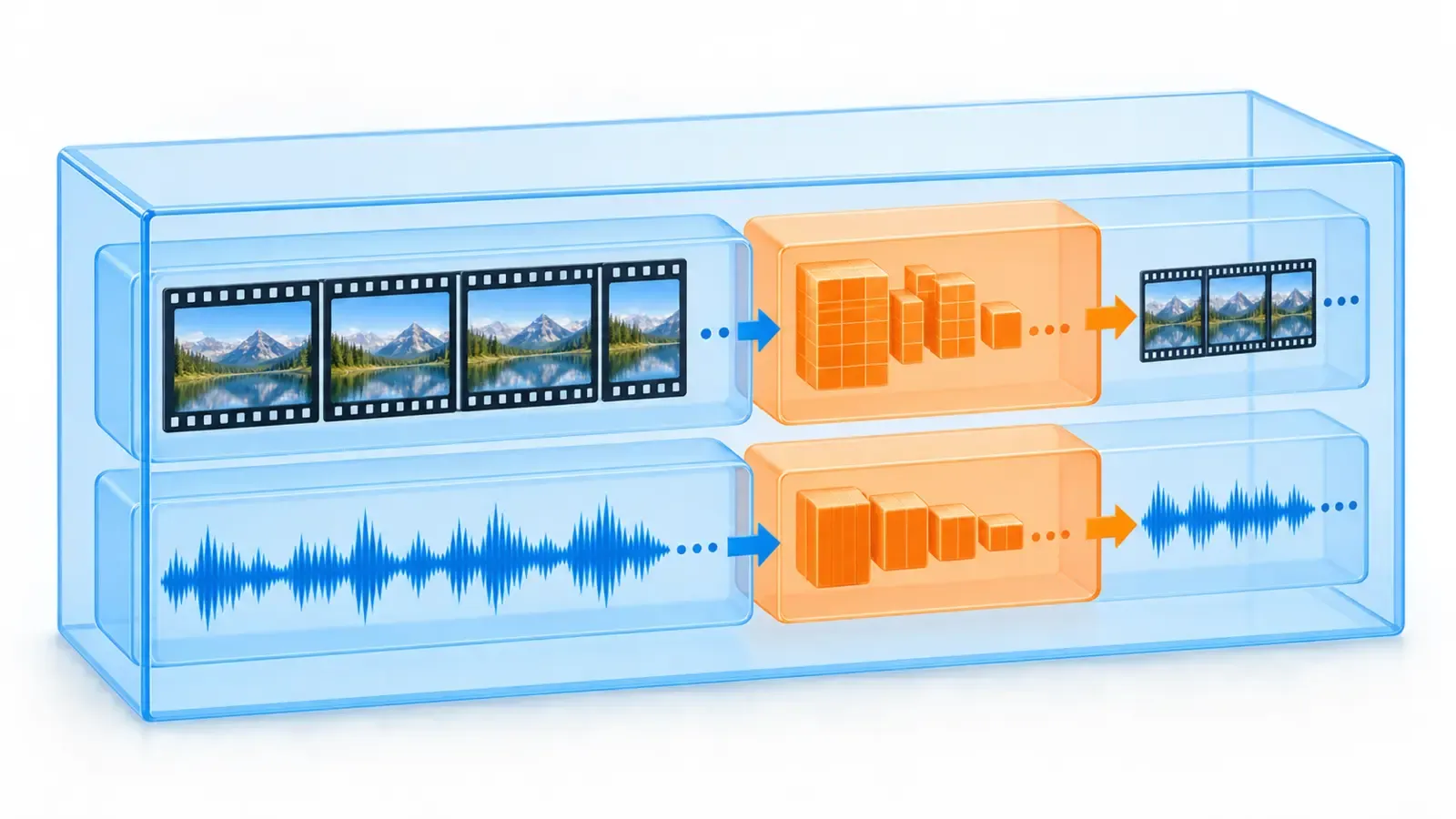
An .mp4 filename does not tell you everything inside the file. The extension usually identifies a container: a structure that can hold video, audio, captions and metadata. The video stream is compressed by a codec such as H.264, HEVC or AV1, while audio may use AAC or another codec. Confusing these layers leads to bad export advice, failed uploads and unnecessary re-encoding.
This guide provides a decision process rather than one magic preset. Destination support changes, editing tools differ and a format that is efficient for final delivery may be inconvenient for collaboration. Always check the current specification of the service, client or device receiving the file.
Separate the container from the codec
Think of MP4, WebM and MOV as wrappers that can carry particular combinations of streams. This matters because understand and choose export formats depends on the viewer experiencing a coherent chain of decisions, not a pile of isolated optimizations. Apply the idea to one real draft, record what changed, and keep the evidence alongside the project so the next decision starts from observation rather than memory.
Treat H.264, HEVC, VP9 and AV1 as methods for encoding video rather than file extensions. In practical terms, inspect the material at normal viewing speed and then again frame by frame where necessary. Ask what a first-time viewer can actually infer. If the answer relies on knowledge that exists only in the creator's head, revise the scene, wording or sequence until the intended meaning is visible.
Inspect actual stream information when compatibility matters instead of trusting the filename. The useful standard is not perfection; it is a clear reason for the choice. Write that reason in the production notes. When results differ from expectations, you can then distinguish a weak hypothesis from poor execution, unusual distribution or a context that changed after publication.
Understand the controls that shape quality
Resolution defines pixel dimensions but does not guarantee detail survives compression. A common mistake is to solve the easiest visible symptom while leaving the underlying mismatch intact. Before changing anything, name the audience, the promised outcome and the evidence the viewer receives. That short check prevents technical polish from disguising an editorial problem.
Bitrate describes data over time while quality-based modes vary bitrate according to scene complexity. Treat this as a checkpoint rather than a rigid rule. Different subjects, audiences and platforms can require different pacing and presentation. Preserve the principle, test the implementation on representative material, and adapt only when the evidence gives you a specific reason.
Frame rate affects motion sampling and should usually match the creative and capture intent. This matters because understand and choose export formats depends on the viewer experiencing a coherent chain of decisions, not a pile of isolated optimizations. Apply the idea to one real draft, record what changed, and keep the evidence alongside the project so the next decision starts from observation rather than memory.
Choose for the destination
Use the destination’s current accepted containers, codecs, dimensions and audio requirements. In practical terms, inspect the material at normal viewing speed and then again frame by frame where necessary. Ask what a first-time viewer can actually infer. If the answer relies on knowledge that exists only in the creator's head, revise the scene, wording or sequence until the intended meaning is visible.
Favor broadly compatible delivery when the audience uses unknown devices. The useful standard is not perfection; it is a clear reason for the choice. Write that reason in the production notes. When results differ from expectations, you can then distinguish a weak hypothesis from poor execution, unusual distribution or a context that changed after publication.
Create a separate archival or editing master when the upload format is heavily compressed. A common mistake is to solve the easiest visible symptom while leaving the underlying mismatch intact. Before changing anything, name the audience, the promised outcome and the evidence the viewer receives. That short check prevents technical polish from disguising an editorial problem.
Compare common containers
MP4 is widely used for delivery and commonly pairs H.264 video with AAC audio. Treat this as a checkpoint rather than a rigid rule. Different subjects, audiences and platforms can require different pacing and presentation. Preserve the principle, test the implementation on representative material, and adapt only when the evidence gives you a specific reason.
MOV is common in production workflows but the container alone does not imply high quality. This matters because understand and choose export formats depends on the viewer experiencing a coherent chain of decisions, not a pile of isolated optimizations. Apply the idea to one real draft, record what changed, and keep the evidence alongside the project so the next decision starts from observation rather than memory.
WebM is designed for web media and often carries VP9 or AV1 video with compatible audio streams. In practical terms, inspect the material at normal viewing speed and then again frame by frame where necessary. Ask what a first-time viewer can actually infer. If the answer relies on knowledge that exists only in the creator's head, revise the scene, wording or sequence until the intended meaning is visible.
| Signal | Editorial response |
|---|---|
| MP4 | MP4 is widely used for delivery and commonly pairs H.264 video with AAC audio. |
| MOV | MOV is common in production workflows but the container alone does not imply high quality. |
| WebM | WebM is designed for web media and often carries VP9 or AV1 video with compatible audio streams. |
Compare codec trade-offs
H.264 remains broadly compatible and is often the practical default for handoff. The useful standard is not perfection; it is a clear reason for the choice. Write that reason in the production notes. When results differ from expectations, you can then distinguish a weak hypothesis from poor execution, unusual distribution or a context that changed after publication.
HEVC can be efficient but playback, editing support and licensing context require checking. A common mistake is to solve the easiest visible symptom while leaving the underlying mismatch intact. Before changing anything, name the audience, the promised outcome and the evidence the viewer receives. That short check prevents technical polish from disguising an editorial problem.
AV1 targets high compression efficiency, while encode speed and tool support can influence workflow cost. Treat this as a checkpoint rather than a rigid rule. Different subjects, audiences and platforms can require different pacing and presentation. Preserve the principle, test the implementation on representative material, and adapt only when the evidence gives you a specific reason.
Export a clean master
Preserve source frame rate, aspect ratio and color decisions unless a destination requires change. This matters because understand and choose export formats depends on the viewer experiencing a coherent chain of decisions, not a pile of isolated optimizations. Apply the idea to one real draft, record what changed, and keep the evidence alongside the project so the next decision starts from observation rather than memory.
Avoid repeated lossy exports by keeping an edit master and deriving delivery files from it. In practical terms, inspect the material at normal viewing speed and then again frame by frame where necessary. Ask what a first-time viewer can actually infer. If the answer relies on knowledge that exists only in the creator's head, revise the scene, wording or sequence until the intended meaning is visible.
Use clear version names that record purpose rather than encoding every setting into a chaotic filename. The useful standard is not perfection; it is a clear reason for the choice. Write that reason in the production notes. When results differ from expectations, you can then distinguish a weak hypothesis from poor execution, unusual distribution or a context that changed after publication.
Test playback and upload
Play the entire exported file on more than one relevant device or application. A common mistake is to solve the easiest visible symptom while leaving the underlying mismatch intact. Before changing anything, name the audience, the promised outcome and the evidence the viewer receives. That short check prevents technical polish from disguising an editorial problem.
Inspect audio sync, gradients, fast motion, fine texture, captions and the ending. Treat this as a checkpoint rather than a rigid rule. Different subjects, audiences and platforms can require different pacing and presentation. Preserve the principle, test the implementation on representative material, and adapt only when the evidence gives you a specific reason.
Run a private or unlisted destination test when the platform will transcode the upload. This matters because understand and choose export formats depends on the viewer experiencing a coherent chain of decisions, not a pile of isolated optimizations. Apply the idea to one real draft, record what changed, and keep the evidence alongside the project so the next decision starts from observation rather than memory.
Troubleshoot common failures
If a file will not open, inspect codec support rather than merely renaming the extension. In practical terms, inspect the material at normal viewing speed and then again frame by frame where necessary. Ask what a first-time viewer can actually infer. If the answer relies on knowledge that exists only in the creator's head, revise the scene, wording or sequence until the intended meaning is visible.
If motion breaks into blocks, review bitrate, quality setting, encoder and source noise. The useful standard is not perfection; it is a clear reason for the choice. Write that reason in the production notes. When results differ from expectations, you can then distinguish a weak hypothesis from poor execution, unusual distribution or a context that changed after publication.
If colors shift, investigate color space, HDR interpretation and player behavior before applying random filters. A common mistake is to solve the easiest visible symptom while leaving the underlying mismatch intact. Before changing anything, name the audience, the promised outcome and the evidence the viewer receives. That short check prevents technical polish from disguising an editorial problem.
Archive with intent
Keep irreplaceable camera originals and project files according to their value and recovery cost. Treat this as a checkpoint rather than a rigid rule. Different subjects, audiences and platforms can require different pacing and presentation. Preserve the principle, test the implementation on representative material, and adapt only when the evidence gives you a specific reason.
Maintain checksums or verified copies for critical projects rather than trusting one drive. This matters because understand and choose export formats depends on the viewer experiencing a coherent chain of decisions, not a pile of isolated optimizations. Apply the idea to one real draft, record what changed, and keep the evidence alongside the project so the next decision starts from observation rather than memory.
Document export recipes so a future revision can be reproduced without guessing. In practical terms, inspect the material at normal viewing speed and then again frame by frame where necessary. Ask what a first-time viewer can actually infer. If the answer relies on knowledge that exists only in the creator's head, revise the scene, wording or sequence until the intended meaning is visible.
Keep a decision log
A decision log turns understand and choose export formats into a process that another person—or your future self—can audit. Record the project, intended audience, working assumption, selected change and the evidence you expect to observe. Add the date and the version of the source material. This is deliberately lighter than a formal report, but it prevents a successful result from becoming a vague memory and a failed result from being dismissed without learning.
Include rejected options as well as the chosen one. For this workflow, the most useful rejected options are usually changes that solved a surface symptom, exceeded the available production time or weakened the promise to creators confused by containers, codecs and export settings. A short reason is enough. The record becomes especially valuable when several people handle planning, filming, editing and publication, because it exposes where assumptions changed between stages.
Review the log only after the agreed observation window. Mark what you know, what remains uncertain and what you would test next. Do not rewrite the original hypothesis to make the outcome look predictable. Honest production records improve editorial judgment, protect factual integrity and help creators reuse the parts of a workflow that actually earned their place.
Put the workflow into practice
The strongest next step is deliberately small: choose one active project, use the checkpoints above, and save the decisions with the source material. That creates a usable feedback loop instead of a collection of disconnected tips. Continue with Film Searchable Short-Form Tutorials That Answer One Question Well, or browse the AnyVid.io blog for more production and planning resources. If you need to preserve reference media, work only with media you created, own, or have permission or another lawful right to save, and review the site terms for the applicable service conditions.

AnyVid.io Editorial Team
The AnyVid.io Editorial Team publishes practical guides on short-form video production, AI-assisted creator workflows, Instagram and TikTok strategy, video SEO, audience growth and creator monetization.
Frequently asked questions
Is MP4 a codec?
No. MP4 is a container format that can hold video, audio and other data. H.264, HEVC and AV1 are examples of video codecs. Compatibility depends on the combination inside the container, not only the .mp4 extension.
Is MOV always higher quality than MP4?
No. A container does not determine quality by itself. A MOV file can contain a high-quality editing codec or a heavily compressed stream; an MP4 can likewise vary. Compare codec, settings, source and generation count rather than judging by extension.
Should I always export at the highest bitrate?
No. Excess bitrate can increase file size without visible benefit, while too little can damage motion and detail. Choose settings appropriate to the codec, content and destination, then inspect a demanding sample. Keep a higher-quality master when future versions are likely.
When should I use AV1?
Consider AV1 when the destination and playback environment support it and storage or delivery efficiency matters. Balance those gains against encode time, hardware support and editing compatibility. For broad client handoff, a more established combination may be safer.
Why does an upload look worse than my export?
Platforms commonly transcode uploads into their own delivery versions. Quality can also be affected by source noise, repeated encoding, scaling, frame-rate conversion, HDR interpretation and network playback selection. Test the destination and preserve a clean master for new encodes.
Was this article helpful?
Tell us what worked so we can improve future content.