“Turn this script into a video” sounds like a prompt, but it is really a production brief compressed until every hard decision disappears. A generator must infer shot boundaries, character identity, geography, camera behavior, timing and continuity at once. When the result fails, the creator cannot tell whether the script, prompt, reference, model or edit plan caused the problem.
This case study uses a six-shot, thirty-second scenario as an explicitly illustrative production plan; it does not fabricate model results. The evaluation vocabulary comes from the VBench paper, which separates sixteen dimensions of video generation, and VBench-2.0, which adds intrinsic faithfulness concerns including human fidelity, controllability, creativity, physics and commonsense. Those research frameworks are not a promise that any consumer tool performs a certain way.
The workflow’s central move is simple: translate narrative sentences into shots that each have one job, one continuity anchor and one acceptance test. Generate and review at the shot level, then let the edit create rhythm. The output is not a giant prompt. It is a production ledger that records what was requested, what was accepted, what failed and what can be changed without destroying the rest of the sequence.
Reduce the script to observable beats
Underline what the audience must see, what they must understand and what changes by the end of the sequence. These are story beats, not generation prompts. A line such as 'she hesitates' needs an observable choice: a hand pauses above the door handle, a message remains unsent or the character steps back. Keep only beats that alter the next shot or the viewer's interpretation.
Remove prose that cannot be photographed without translation, such as “she realizes everything,” and replace it with an observable look, action, object or consequence.
Use the searchable short-form tutorial workflow to test whether the premise and payoff can be recognized quickly, even when the piece is narrative. For a short drama, identify the visual evidence for the initial problem and the final decision. Do not ask the model to convey an internal realization that the camera cannot show.
Before moving on, update a shot ledger with prompt, reference and acceptance fields. For a creator converting a short script into generated video shots, this section has done its job only when the decision can be checked against accepted shots, continuity failures and review time and the remaining uncertainty is written down.
Turn beats into a six-shot plan
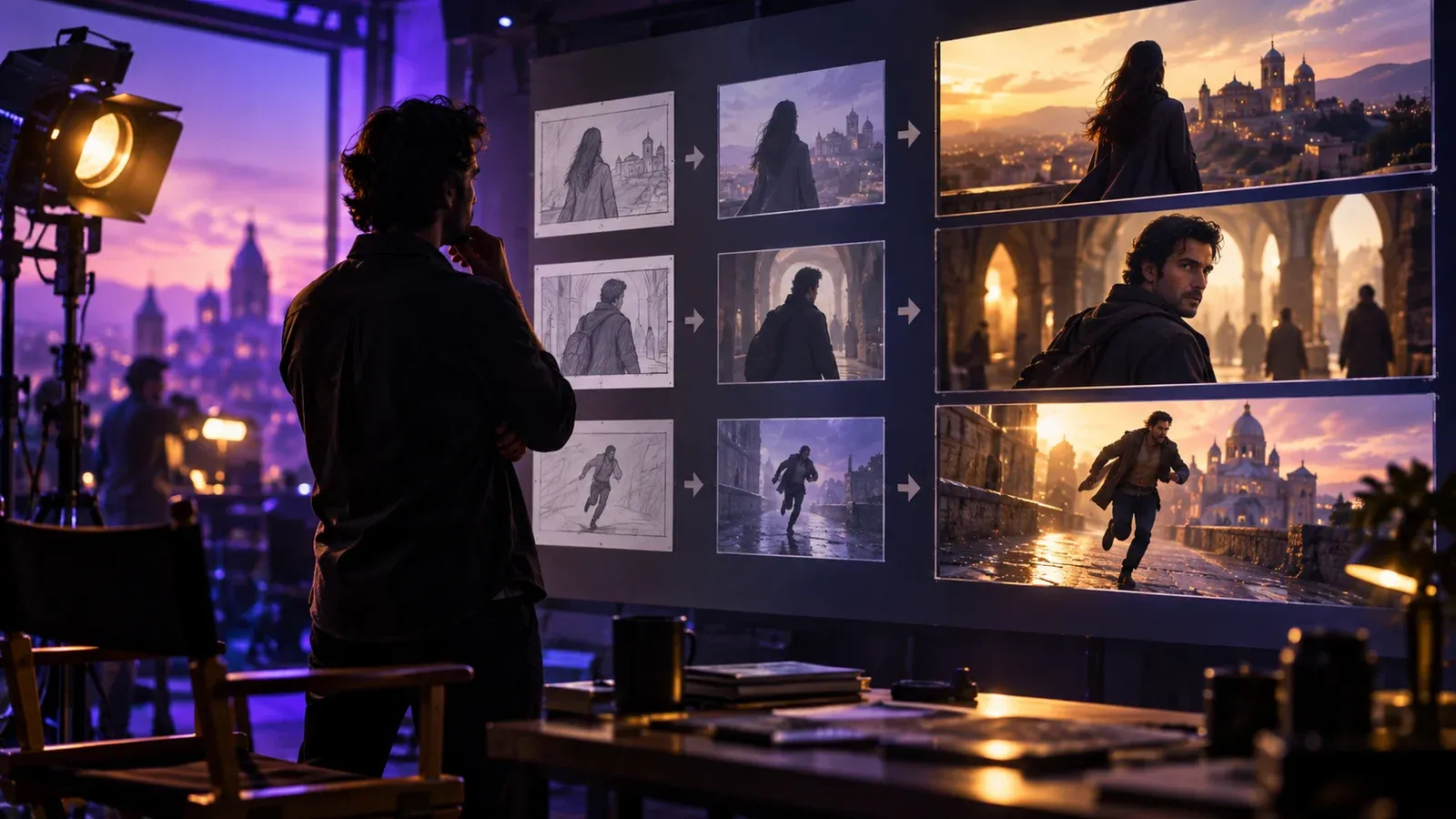
Assign each shot one narrative function: establish location, reveal information, show an attempt, complicate it, force a decision or deliver the payoff. Write the incoming and outgoing state for each shot. If two clips have the same function, combine them or choose the one with the clearer action rather than generating another visually attractive insert.
Write target duration as an editing range rather than assuming every generated clip will be used from first frame to last frame.
Mark which transitions need matched direction, eyeline, wardrobe, object position or lighting; continuity requirements belong in the plan before generation.
Pause here for a handoff check. Ask another person to follow the record without coaching; if a visually attractive sequence that cannot be edited into a coherent story can still happen silently, the workflow needs a clearer owner, filename or acceptance test.
Build a compact continuity bible
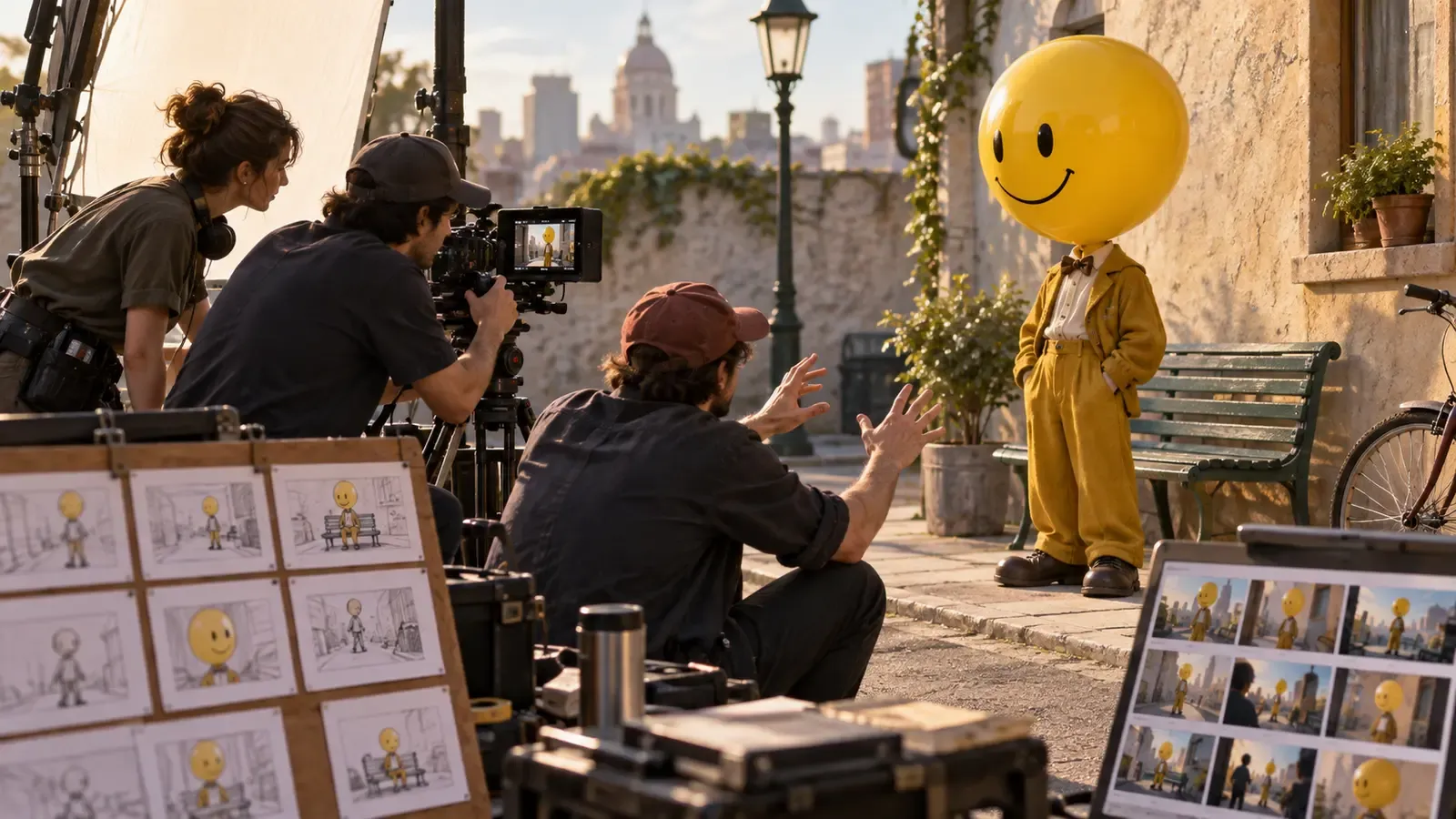
Define the character anchors with the AI character-consistency workflow: silhouette, age range, hair, wardrobe, key prop and prohibited changes.
Create a location card that fixes layout, time of day, dominant light direction and the few objects that matter to action; unnecessary decoration increases opportunities for drift. Sketch a floor plan or still reference for the location and label the key props so later shots can be checked against the same visual baseline.
Keep identity references separate from style references. For each image or clip, record its source, what it is authorized to guide and whether it depicts an identifiable person. A mood reference may establish lighting or lens language without granting permission to reproduce someone's likeness. Place those boundaries in the production brief before prompts are shared across the team.
Put the result in a shot ledger with prompt, reference and acceptance fields, attach the evidence path and date it so a later platform or software change can be compared with the same decision.
Write prompts as shot briefs
Lead with subject and action, then environment, composition, camera movement, light and exclusions; keep the hierarchy readable enough that an editor can see which instruction matters most.
Use one primary action per generation. Chained actions increase the chance that the model compresses, reverses or merges events in ways the edit cannot repair.
Avoid trademarked characters, living-person imitation and unlicensed reference frames. Technical resemblance is not a substitute for consent or permission.
Metrics such as accepted shots, continuity failures and review time are useful only when they lead to a visible choice and do not conceal the limits of this sample.
Review with separated dimensions
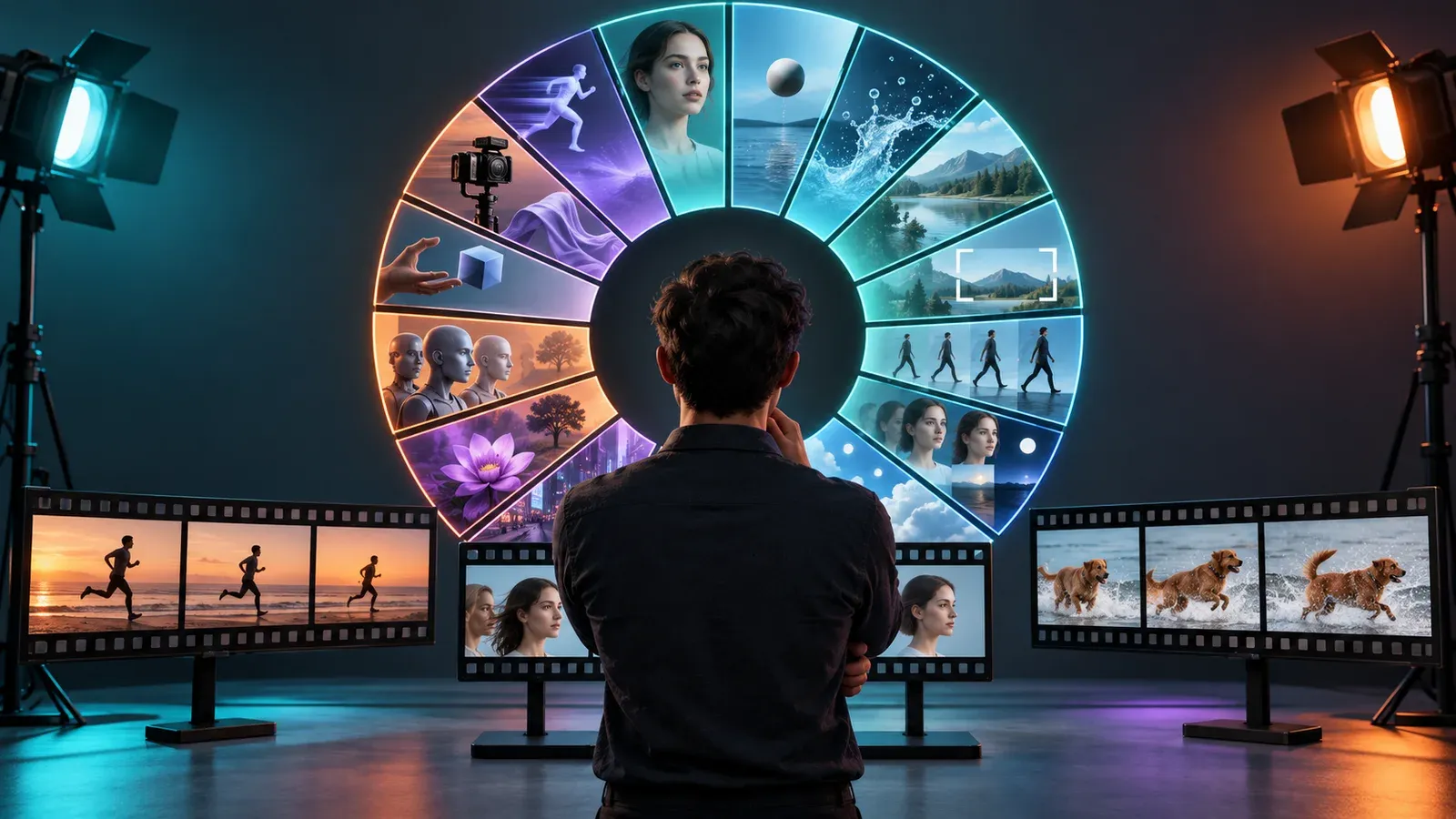
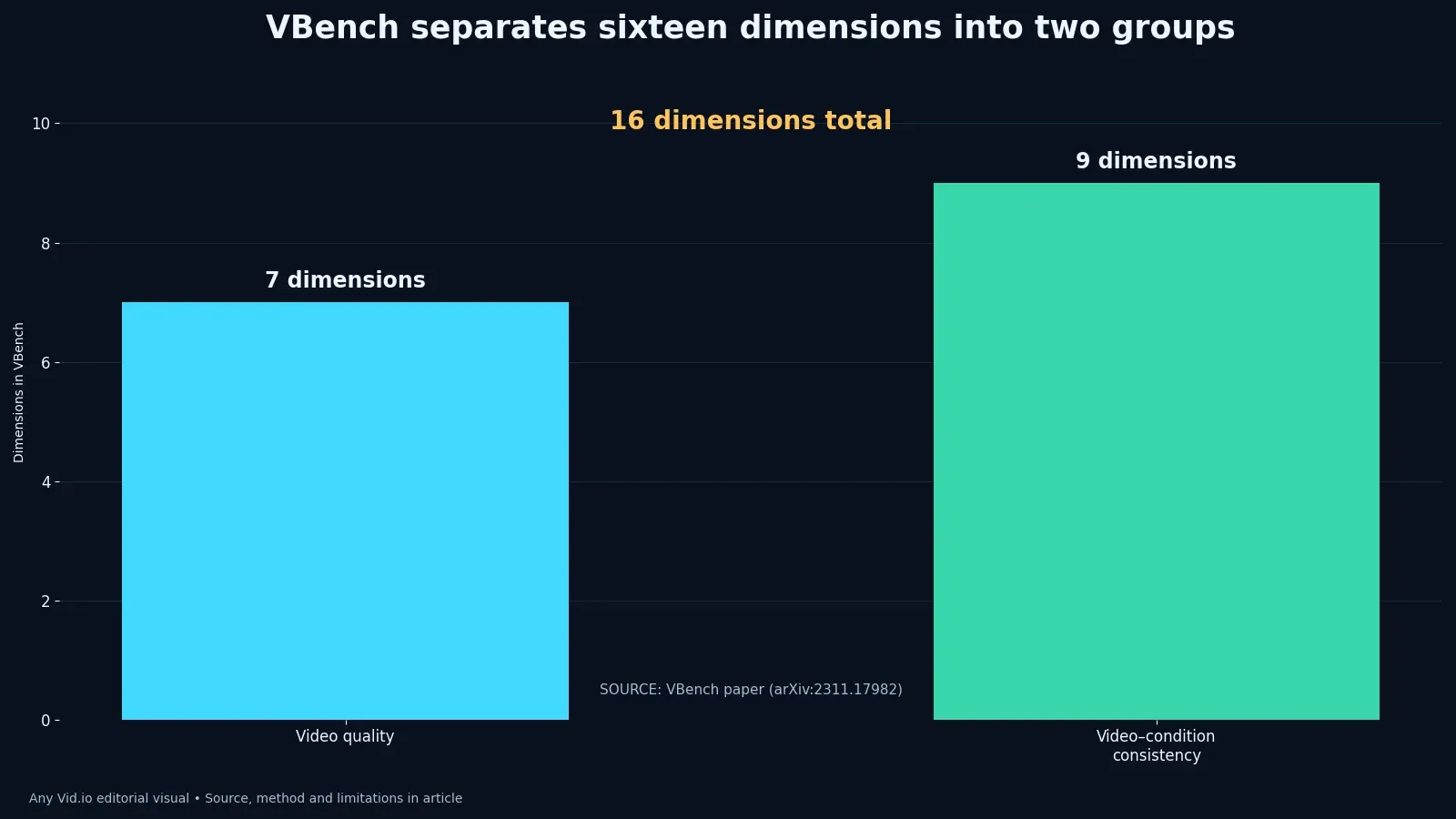
Borrow VBench’s separation of quality and condition consistency from the published benchmark rather than reducing every output to a single “good” score.
Check prompt alignment, subject consistency, background stability, motion smoothness, physical plausibility and edit usefulness as separate decisions.
For a comparison of tools, follow the reproducible AI model test set and hold the scene, references and review rubric steady. This shot-list guide makes a narrower decision: can a generated clip perform its job next to the preceding and following clips? A high standalone quality score does not rescue a character who changes wardrobe across a cut.
Review a three-shot sequence on a timeline before generating the remaining scenes. A still grid may conceal a missing entrance, mismatched eyeline or action that reverses direction at the edit. Mark the exact transition that fails and the minimum evidence needed to repair it. That check prevents an entire batch of clips from inheriting the same continuity mistake.
Track cost per accepted sequence
Log every generation, rejection code, review minute and repair step, then attribute the accepted clip to the attempts that made it possible.
Apply the calculation in the cost-per-usable-shot case study but add continuity failures that appear only when neighboring shots are assembled.
Measure cost at sequence level as well as shot level. If an apparently cheap clip forces two neighboring shots to be regenerated, include those attempts, review minutes and edit work in the total. Record the rejection reason rather than averaging every generation into one success rate. The purpose is to find where the plan causes waste, not to declare a universal price per second of AI video.
Keep unresolved model behavior visible in the ledger. Note whether a failure depends on a particular prompt, reference, model version or transition. A character may be consistent in a close-up but drift in a moving wide shot. Test the risky combination again before building the rest of the sequence around an unverified assumption.
Edit before regenerating everything
Place accepted shots on the timeline with temporary sound and captions, then identify the exact missing bridge; the edit often needs a close-up or reaction rather than a complete replacement. That habit matters because a visually attractive sequence that cannot be edited into a coherent story often appears after the first seemingly harmless conversion, crop or deletion. This is also the point to record permissions.
Cropping, speed changes and cutaways can repair a framing or timing issue when the action remains truthful. They should not conceal a serious identity change, impossible motion or a rights problem. Compare the edited repair with the original candidate and neighboring shots at normal playback speed; if the sequence still misleads the viewer, regenerate or film a simpler bridge.
Generate the smallest repair shot that resolves the sequence. A new wide master can destabilize more continuity variables than it fixes.
Keep the accepted clip next to its prompt, reference, model version, rejection notes and timeline position. When replacing one shot, check the two adjacent transitions again rather than judging the replacement in isolation. A newer render is only better if it improves the assembled sequence and preserves the intended story beat.
Disclose and archive the production
Use the responsible AI video disclosure workflow to decide what the audience needs to know and where the disclosure should appear.
Archive prompts, authorized references, model and version, generation date, output IDs, licenses, consent records and final edit choices with the master. For each accepted shot, identify the source generation and any crop, retime or compositing step. This record lets a later editor correct a continuity or disclosure issue without guessing which output went into the final cut.
Retest when a model changes rather than quietly combining outputs from versions with different behavior; provenance is what makes later correction possible.
The finished shot plan should let an editor answer what each clip contributes, which character and location details must persist, and how acceptance will be judged. Build three adjacent shots first and review them with provisional sound. If they do not form a clear action and reaction, repair the shot ledger before producing the remainder.
Hold a three-shot generation review
Test the workflow with three adjacent shots, not an isolated hero frame: an establishing view, an action and a reaction or detail. Use the same character sheet, wardrobe description, environment constraints and intended screen direction for all three prompts. Review them in sequence with the sound muted. If the geography or identity changes, mark the exact transition rather than describing the sequence as generally inconsistent. That annotation helps the next prompt address a visible failure—camera side, hand occupancy, background layout or time of day—instead of adding more adjectives with no diagnostic purpose.
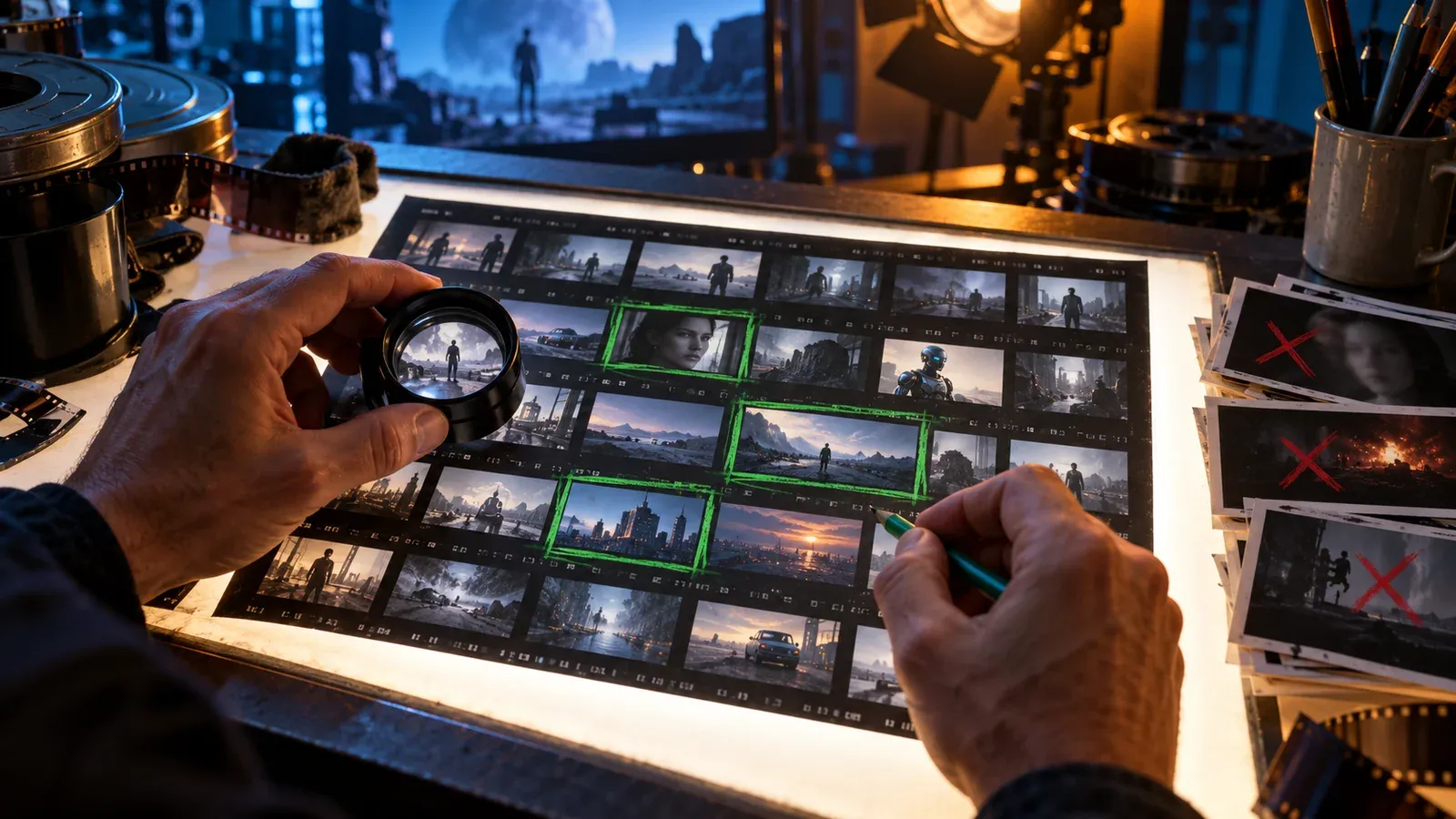
Give each candidate a disposition: accept, repair, regenerate or replace with conventionally filmed material. “Repair” should name a bounded edit such as a crop, speed adjustment, cleanup or short cutaway; it should not hide a semantic error that changes the story. Record the model or service version when available, generation date, prompt, seed or reusable setting, source references and human decision. Those records make the case study reproducible enough for an editorial team while avoiding the false precision of a single quality score. A technically smooth clip can still fail the brief.
Then assemble the three shots with temporary narration and captions. Timing often exposes problems that a grid of attractive stills conceals: a movement has no entrance, the subject crosses the cut incorrectly, or the generated action lasts longer than the sentence it supports. Evaluate the finished beat on the intended phone-sized frame and note which failure required a prompt change versus an editorial workaround. That distinction is commercially useful because it shows where generation time is being spent and where a simpler source, graphic or practical shot would produce a more reliable result.
Case-study table
| Shot field | Question it answers | Example acceptance evidence |
|---|---|---|
| Narrative job | Why does this shot exist? | The reveal is visible without dialogue |
| Continuity anchors | What must match adjacent shots? | Wardrobe, prop hand and light direction agree |
| Primary action | What single motion must complete? | Character picks up the envelope once |
| Camera behavior | How should the viewer observe it? | Locked medium shot with no unexpected orbit |
| Rejection rules | What makes the output unusable? | Identity drift, impossible grip or missing prop |
| Provenance | How can the result be audited? | Model version, date, prompt, references and consent log |
The table is a shot ledger for the illustrative six-shot scenario. Adapt its action, continuity anchor, prompt and acceptance columns to an authorized project. It describes a production method, not measured output from a particular AI model.
Put the method to work
Take a thirty-second script and build the shot ledger before opening a generator. If the action, anchor and rejection rule for each shot cannot be stated, the prompt is being asked to solve an editorial uncertainty. Resolve that uncertainty on paper; generation should test a production decision, not conceal its absence.
Continue with the responsible AI, cost and continuity case studies on the AnyVid.io blog. Use authorized references, document model versions and obtain consent for identifiable people, voices and private material.

AnyVid.io Editorial Team
The AnyVid.io Editorial Team publishes practical guides on short-form video production, AI-assisted creator workflows, Instagram and TikTok strategy, video SEO, audience growth and creator monetization.
Frequently asked questions
Can one prompt turn a full script into a coherent AI video?
Some tools may attempt longer or multi-shot generation, but a reliable production still benefits from explicit shot boundaries, continuity anchors and acceptance tests. Breaking the script into shots makes failures diagnosable and lets the editor replace one weak link without regenerating the whole sequence.
How long should each AI-generated shot be?
Choose a range based on the edit and the action, not a universal number. Generate enough head and tail for the cut, but avoid asking one clip to complete several unrelated actions. Product limits and capabilities vary by model, plan, region and version.
What should remain consistent between AI video shots?
Prioritize the details the audience uses to recognize the person, place and action: silhouette, face, wardrobe, key prop, screen direction, geography, time of day and light direction. Do not overload the continuity bible with decoration that has no story function.
Is the six-shot case study based on measured model output?
No. The six-shot scenario is explicitly illustrative and demonstrates the production method. The chart’s sixteen-dimension grouping comes from the published VBench framework and does not report results for a commercial model. If a visually attractive sequence that cannot be edited into a coherent story remains possible, preserve the original state and ask for rights or technical review before changing the only surviving copy.
How should creators evaluate AI video quality?
Separate dimensions such as prompt alignment, subject consistency, background stability, motion smoothness, physical plausibility and edit usefulness. A beautiful frame can still fail the action or continuity requirement. Keep rejection reasons beside the output. Record the route, date and result in a shot ledger with prompt, reference and acceptance fields so the same question can be checked against future platform or workflow changes.
Do AI-generated videos need disclosure?
Disclosure requirements depend on context, platform rules, law and the likelihood that viewers could be misled. Document the generation process and use clear, proximate disclosure when synthetic media could affect interpretation, identity, endorsement or trust. For a creator converting a short script into generated video shots, the safest next step is a reversible test with one authorized file and a written result rather than a universal assumption.
Was this article helpful?
Tell us what worked so we can improve future content.